
Freelancing is growing fast, and picking the right website can make a prominent difference in your professional growth and success.
Whether you’re a seasoned freelancer or just starting out, you’ll find 25 top freelance platforms where skilled people turn their talents into steady work.
From web developers, designers, and writers to marketers, data experts, and project leads, this guide will help you find platforms that suit what you do best.
25 Best Freelance Websites To Find Work
We’ve done the homework and checked out platforms based on how much you can earn, the quality of clients, and how happy users are with them.
Here are the 25 top freelance platforms 2025 to find work.
1. Fiverr
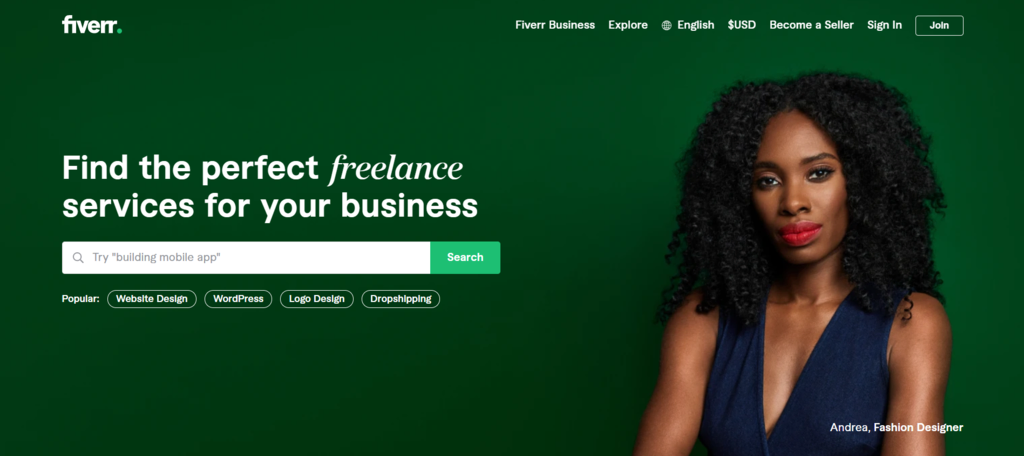
- Freelancing areas: marketing, website building, social media
- What’s nice: many categories, free to join, helpful courses
- What’s not so nice: high fees, slow payout process
Fiverr connects people who offer services with those who need them. You can find all kinds of jobs here—from making websites to writing content or doing voice-overs. It’s also a great starting point for students.
On Fiverr, service providers are called sellers, and their listings are called gigs. The people hiring are called buyers.
You don’t need to send proposals. Just sign up (it’s free), list what you offer, and set your prices. Buyers scroll through and choose what they like.
When someone buys a gig, Fiverr takes the payment and holds it. They then take a cut (20%), and the rest goes to the seller. Depending on your seller status, you might need to wait up to 14 days to withdraw your money. You can get paid your fees through bank transfer, PayPal, or debit card.
Fiverr is among the best freelance work websites that has over 3.4 million active buyers, which means lots of chances to get hired. There are no hourly rates—you choose how much to charge per project.
Payments are protected, and your personal info is kept safe. If you run into any trouble, customer support is there 24/7 to help.
2. Toptal
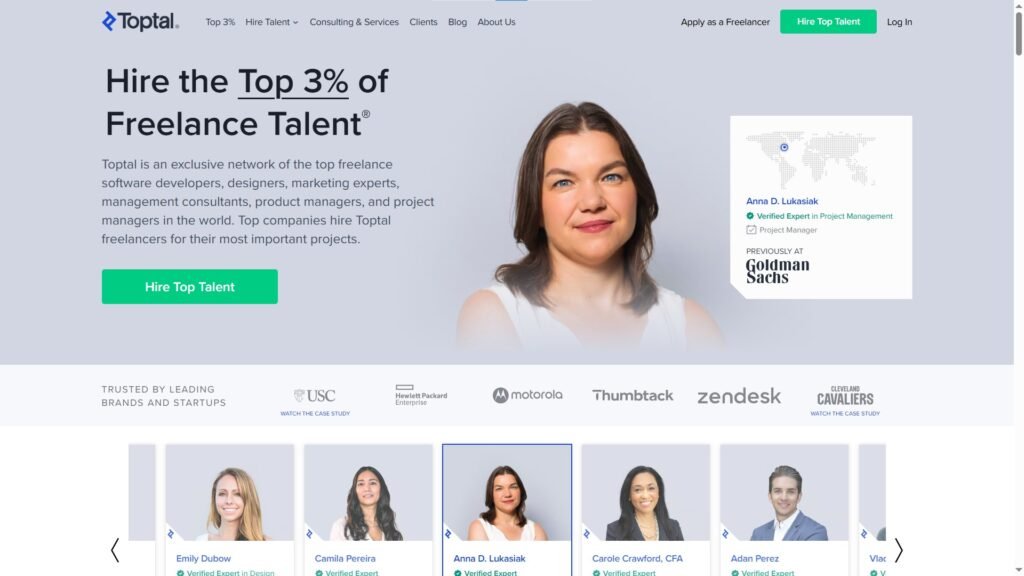
- Freelancing type: software development, financial consulting, and temporary leadership roles
- Pros: work with top companies and skilled people, free tools for payments and time tracking
- Cons: tough approval steps, only large jobs available
Toptal is a place where skilled freelancers find freelance work online with companies looking for expert help. You’ll find developers, designers, finance experts, and project managers offering their services here.
To join as a freelancer, you have to go through five steps. These include an English test and a task to show your skills. Only a small group of applicants pass and get accepted.
If you pass, you can apply for jobs from well-known clients like Motorola and Airbnb. If you don’t make it, you’ll need to wait a few months before trying again.
Toptal also has a tool called TopTracker. It helps you keep track of your work hours and get paid. You’ll receive the full amount you ask for, with payments sent through Payoneer, PayPal, or straight to your bank account.
3. Jooble
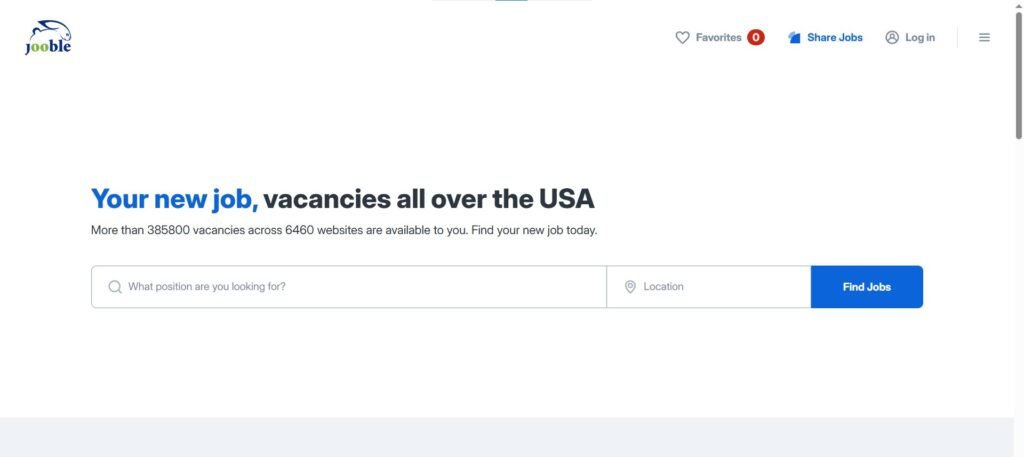
- Type of freelance work: writing, graphic design, data entry
- What’s great: all jobs in one place, email updates, no account needed
- What’s not so great: you have to apply through each job’s original site
Jooble is a search tool that gathers job listings from over 140,000 sources around the world. It pulls jobs from company sites, job boards, freelance marketplaces, social media, and classified ads.
The best part is you don’t need to check a bunch of websites. Jooble brings them all together in one place, saving you time.
You can also search for work in a specific area. Right on the homepage, you can pick a city in your country and see jobs available only in that location.
There’s no need to make an account to look for freelance jobs. Just type in what you’re looking for, then narrow your search using filters like pay range, experience needed, and how recently the job was posted.
Because Jooble only collects job listings, clicking on a result will take you to the original job site. That’s where you’ll get full details and can apply.
You can also register for email alerts. That way, Jooble will let you know when new jobs pop up that match what you’re looking for.
4. Freelancer.com
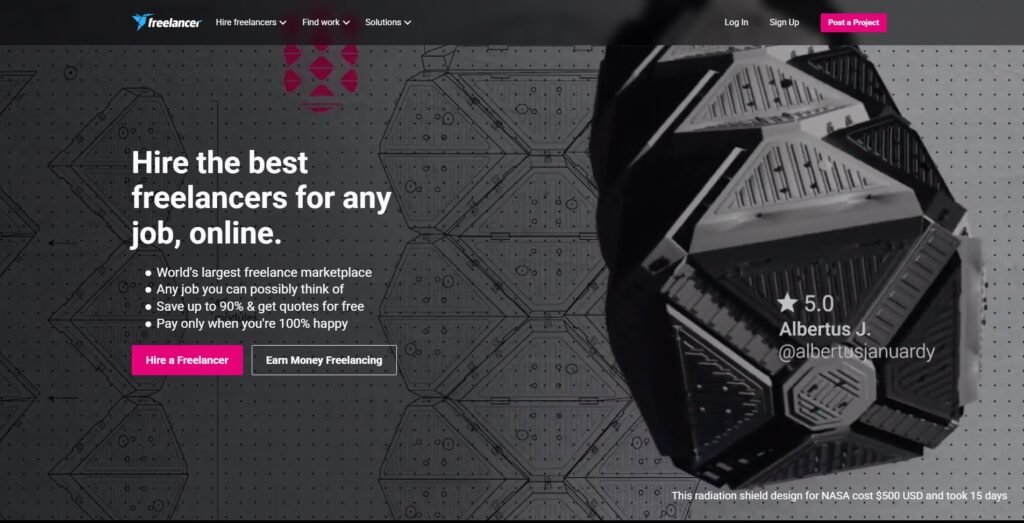
- Freelancing work: content translation, web development, social media marketing
- Good things: progress tracking, live chat, help available all the time
- Bad things: hard-to-use layout, fake job posts, and spammy messages
is another website where people and companies from all over the world work together on all kinds of jobs. Because so many skill sets are available, clients can instantly hire freelancers online who fit their needs.
You can sign up as either a freelancer or a business owner. If you choose to be a freelancer, you’ll fill out a short sign-up page. It asks for your skills, school history, and past work.
Besides regular projects, there are also contests, mostly in areas like design and visuals. These are a chance to earn money and get reviews that show up on your profile.
After finishing a task, freelancers get paid in full. However, the site takes 10% from both contests and fixed-price work. Just like most other sites, you can take out your money using PayPal or a bank transfer.
5. Upwork
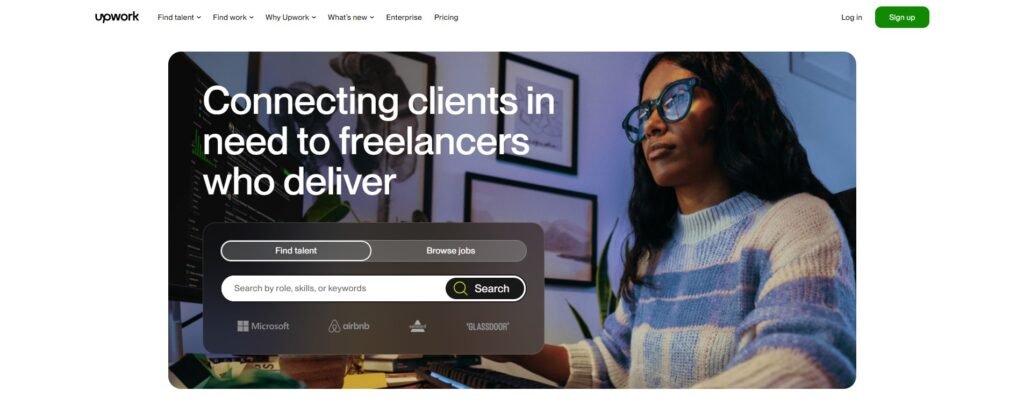
- Freelancing type: programming, website design, brand marketing
- Pros: safe payments, trusted clients, projects based on budget
- Cons: long hiring process, high fees
Upwork is a website where freelancers and clients connect from all over the world.
There are many types of jobs, like website design, coding, customer support, and accounting.
Clients can post jobs and hire freelancers, or they can buy ready-made services from the project catalog. Freelancers can also search for jobs or offer their own services for sale.
To begin on Upwork, start by making a profile. Add information about yourself, what you’re good at, and what you’ve done in the past. Clients look at your profile to decide if you’re a match for their project.
Upwork uses a fee system where the more you earn, the lower the fee you pay. It starts with a 20% fee for the first $500 you make from a client, then it slowly goes down as you earn more.
There is a debate over Is Fiverr or Upwork better. The answer depends on your skills and exposure. Both platform provides a solid foundation where you can sell your skills and thrive globally.
6. Flexjobs
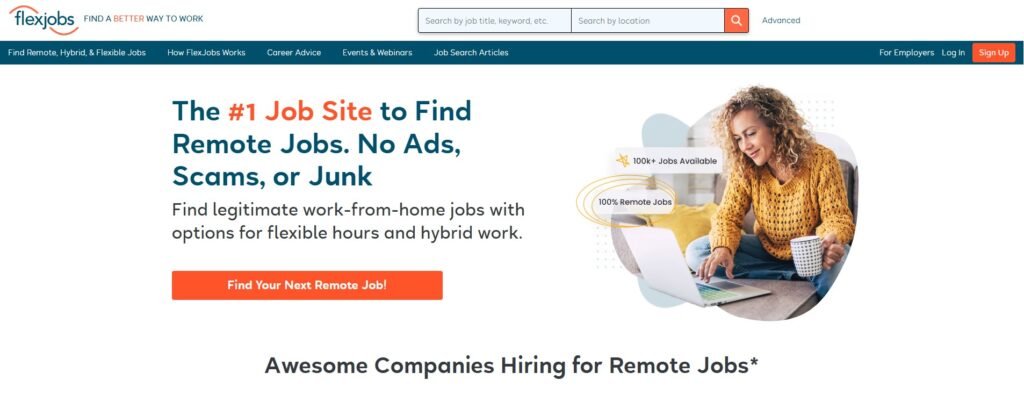
- Freelance type: writing, content marketing, transcription
- Pros: scam-free, 30-day money-back promise, helpful support team
- Cons: Some high-paying jobs may be listed elsewhere
FlexJobs is among the popular gig platforms that allows people to find jobs they can do from home or on a flexible schedule. These jobs include freelance, part-time, and full-time roles. You can search through many categories, like teaching, writing, and more.
Every job posted goes through a careful check to make sure it’s real. The team filters out fake listings and scams. Unlike many other job sites, there are no ads shown on the pages.
To apply for jobs, users need to buy a subscription. There are four pricing options, starting at $6.95 per week. With any plan, you get full access to job listings, tools to build your profile, advice, and free skills tests.
You can pay using a prepaid card or PayPal. If you’re not happy with the service, you can request a full refund within 30 days.
7. SimplyHired
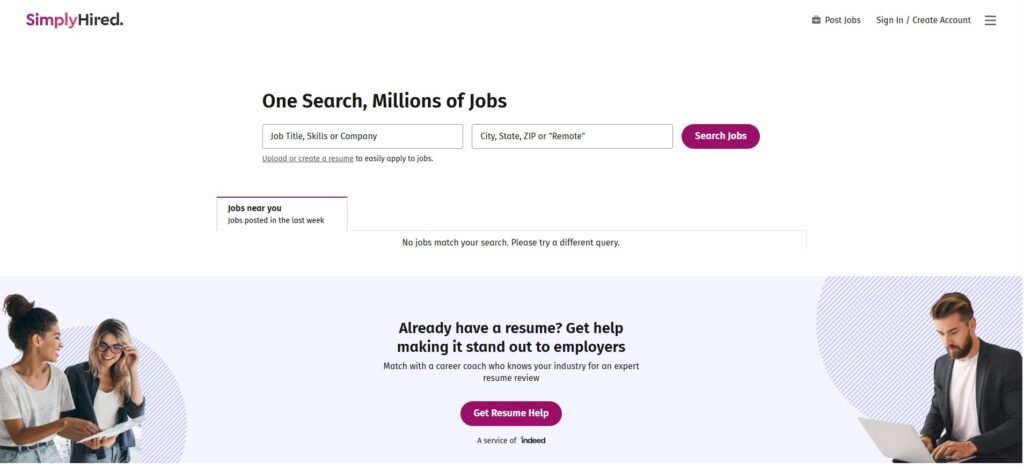
- Freelance work: human resources, finance, data entry
- What’s nice: job alerts by email, helpful tips, free tools
- What’s not so nice: spam from sketchy third-party websites
SimplyHired is a job website where companies can list open positions without paying. It also gathers job listings from many other sites and shows them all in one place. The website is clean and simple to use. You can look through jobs by category without any trouble.
There are many freelance jobs in areas like finance and marketing. To find something specific, type in keywords in the search bar. You can also add your city, state, or ZIP code to get better results near you.
People looking for jobs can also check company pages to learn things like pay info, lists of perks, and reviews written by workers who have been there.
You can look around SimplyHired freelance marketplaces without making an account. But if you do sign up, you’ll get access to extra tools like a resume builder and pay estimator.
8. Guru
- Type of work: marketing, coding, admin tasks
- Pros: safe payments, job posts that match your skills, and free to join
- Cons: Some jobs may not be real
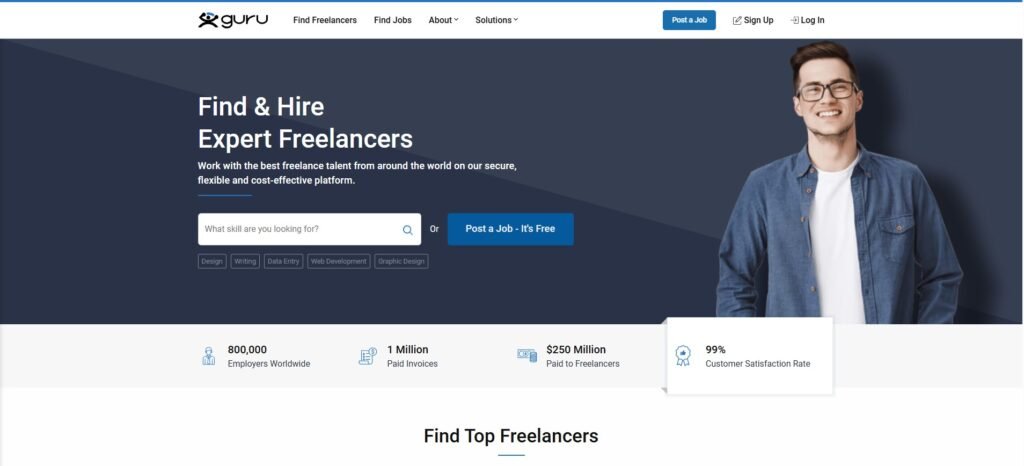
Guru is one of the top online platform for freelancers where freelancers and businesses from around the world work together. People can hire others with skills like coding, design, or project planning.
It’s easy to look through job posts and send offers to clients. Just make an account and fill in your profile with your skills and past jobs. The site will show you jobs that fit your experience.
You can offer to do short jobs or longer ones, and you can give a price for each. Payments can be taken out using PayPal, bank transfer, and other methods. SafePay helps make sure workers get paid when the job is done.
Everyone who joins gets a basic free account. If you want more features to stand out, there are paid plans with extra tools.
9. LinkedIn
- Freelance work types: writing, translating, graphic design
- Benefits: meet other professionals, stay up to date with current events, and it is cost-effective
- Downsides: spam posts from fake accounts
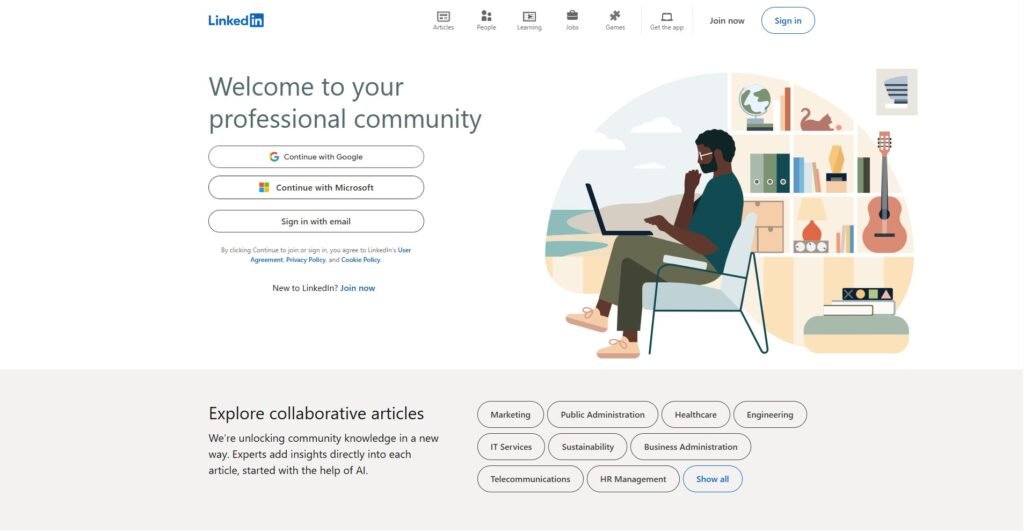
LinkedIn is one of the most used websites to find work across different fields. It also lets professionals connect and talk with each other.
Start by signing up and making a profile. Add as many details as possible, like your skills, schooling, and past jobs. A well-filled profile can help you find more freelance work.
Posting something new can also help more people see your page. For example, if you’re a freelance writer, you could post a short intro about what you do and add links to your writing samples. Someone looking to hire might come across it and reach out to you.
Looking through job posts on LinkedIn is another great way to find freelance work online. Use search words that match the kind of work you want, and sort the results to show the newest ones first.
10. Behance
- Freelancing types: illustration, photography, web design
- Pros: large audience, networking opportunities, custom content
- Cons: competitive field, limited image size
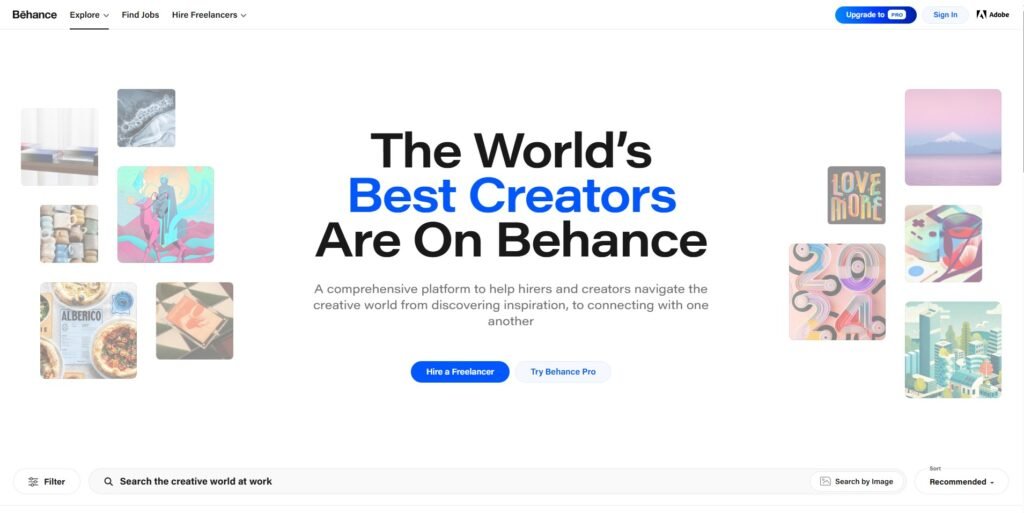
Behance stands out from other freelance platforms as a social network for creative professionals. Artists from around the world use it to showcase their portfolios and share their work, whether it’s animations, illustrations, websites, or graphic design.
If you’re a freelance designer, web designer, or animator, Behance is a great place to get noticed by potential clients. Begin by creating your own account and setting up your job profile.
Since it’s a networking platform, the more profiles you follow, the more posts will show up on your feed, which can help you find more freelance opportunities. Behance also offers a job listing feature. Freelancers will get job suggestions tailored to their skills, making it convenient to find work that fits their expertise.
11. 99designs
- Freelancing type: logo, web, and graphic design
- Pros: focused environment, secure payments, active community
- Cons: high fees, limited designer levels
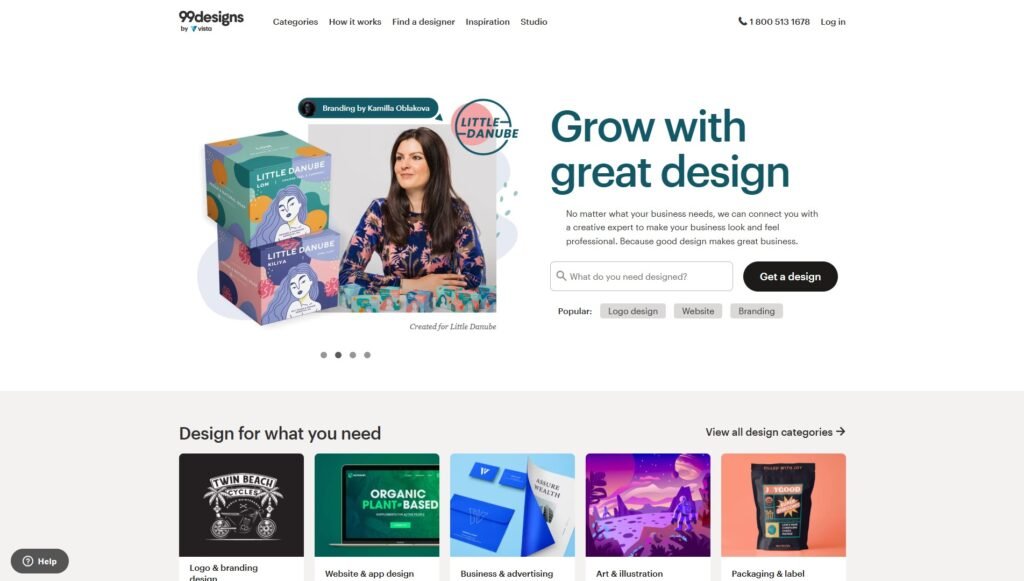
For freelance designers looking for work, 99designs offers plenty of opportunities. It’s one of the best freelance work websites made for designers and businesses to work together. You’ll find many design projects, from logo creation and book covers to clothing and merchandise.
Once you sign up, you’ll create a profile and add your work experience. The review team will analyze your application and decide your designer level. The higher your level, the more exposure you’ll get on the platform.
99designs makes it easy for freelance designers to find jobs in their field. You can access a list of relevant jobs by selecting your preferred industries, styles, and design categories.
When working with a new client, 99designs will charge a $100 introduction fee, plus a platform fee ranging from 5% to 15%. Freelancers are paid through PayPal or Payoneer within three business days, and faster for those with higher profile levels.
12. Dribbble
- Freelancing type: illustration, animation, and mobile design
- Pros: large network, global community, plenty of design ideas
- Cons: Freelance job listings are only available with a Pro version
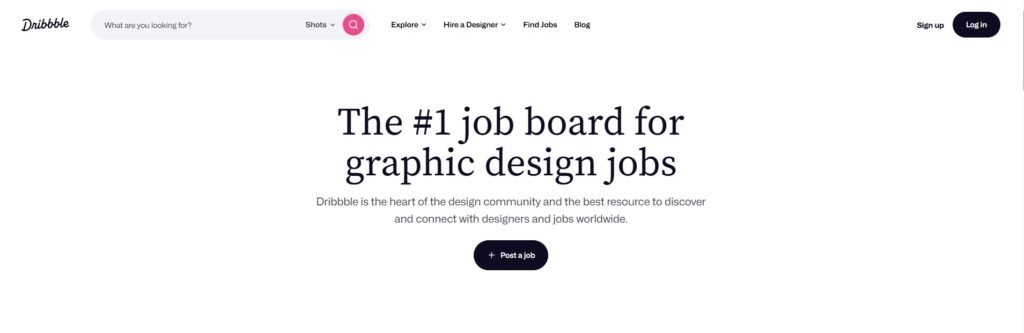
Dribbble is a well-liked platform for creative professionals to connect and share their work. Designers and artists use it to build portfolios and promote their personal brands.
Creating a portfolio on the site can increase your chances of getting hired. Simply sign up for an account and upload your designs.
Another way to find job opportunities is by checking out the job board. There are various jobs listed, such as UI/UX design and content creation. However, access to job listings is limited to those with a premium account.
The premium version of Dribble costs between $5 and $15 per month. With a Pro account, users can upload videos and multi-image posts to their profiles. A premium account also gets higher visibility in job search results.
13. People Per Hour
- Freelancing types: programming, journalism, branding
- Pros: automated invoices, location-based listings, safe and secure payment
- Cons: Free bids are limited to $15/month
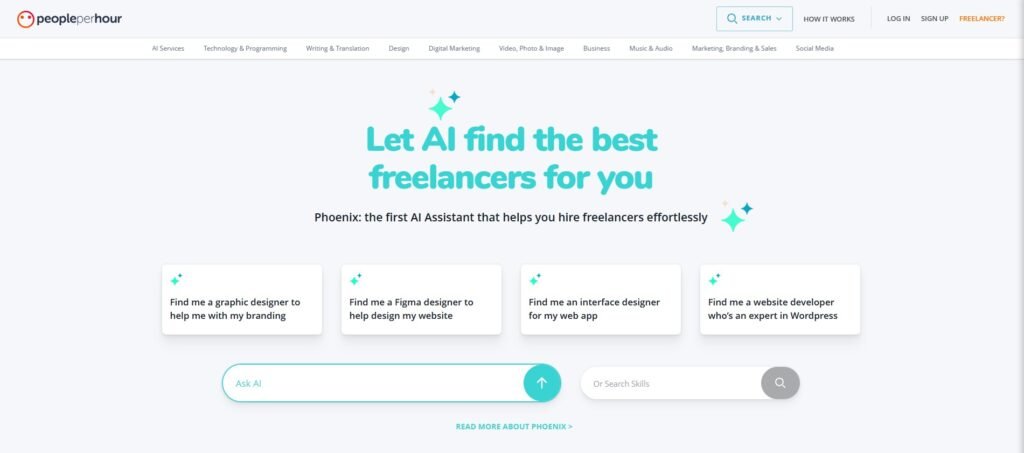
People Per Hour, as the name suggests, helps businesses find freelancers to hire by the hour or for specific projects. It has millions of freelancers in various fields like public relations, marketing, and journalism.
Freelancers can sign up for free and set up a profile. However, the platform will review each profile before approving it. Once approved, freelancers can start browsing job listings in multiple categories.
When working on a certain project, freelancers can send offers and set their own prices. Once the work is done, they can easily generate an invoice from their dashboard.
Like other freelancing platforms, People Per Hour takes a service fee from freelancers for each client. For earnings of $350, the service fee is 20%. Fortunately, the fee decreases as you complete more work.
14. ServiceScape
- Freelancing types: academic writing, document translation, manuscript editing
- Pros: flexible pricing, adjustable schedule, clear communication
- Cons: high commission fee, narrow expertise
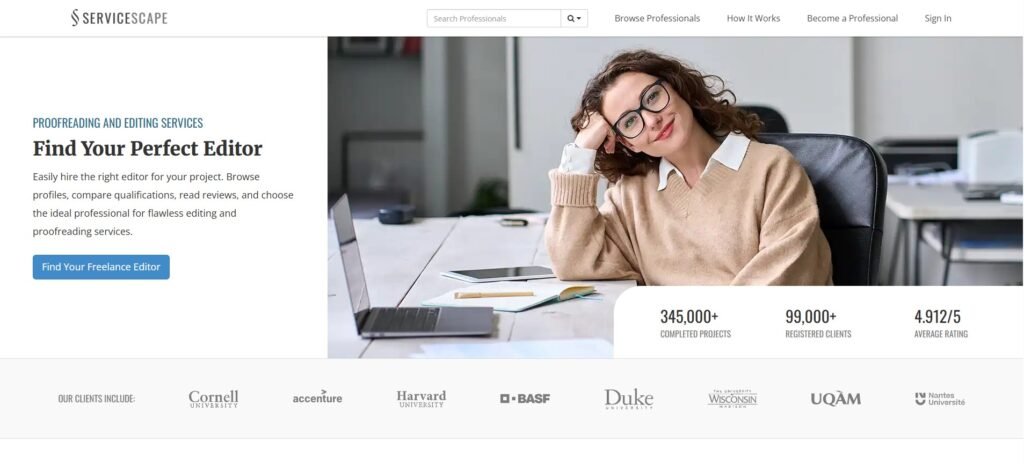
ServiceScape is a platform for freelance writing, editing, and translation jobs. It helps freelancers create profiles and get noticed by a growing list of clients.
What makes ServiceScape different is its hiring method. Instead of bidding or sending proposals, freelancers wait for clients to offer them work. A standout profile is important to get noticed.
Freelancers and employers can actively communicate through ServiceScape. Both can send messages or schedule calls to discuss details.
Payments are made monthly through PayPal, check, or Gusto. Freelancers can set their rates, either by project or hourly. However, ServiceScape takes a 50% commission from every completed project.
15. DesignHill

- Freelancing type: website, brand, and merchandise designs
- Pros: built-in store, no fees, live chat support
- Cons: not ideal for non-designers
DesignHill is a platform where businesses can find quality designs from professionals. It offers various design jobs, like logos, websites, and brochures.
Once you sign up, you’ll have access to many freelance design opportunities and design contests. This is a great way to build your portfolio and connect with clients.
Freelancers can create their own stores on DesignHill and sell globally. There are tools available, like a profit calculator and a business card maker, to help you.
DesignHill charges service fees only to clients, meaning freelancers receive the full payment for their design jobs, contests, or store sales. For withdrawals, the site supports PayPal and Payoneer.
16. TaskRabbit
- Freelancing options: delivery service, house cleaning, personal assistant
- Pros: flexible hourly rates, no service fees
- Cons: limited to certain city areas
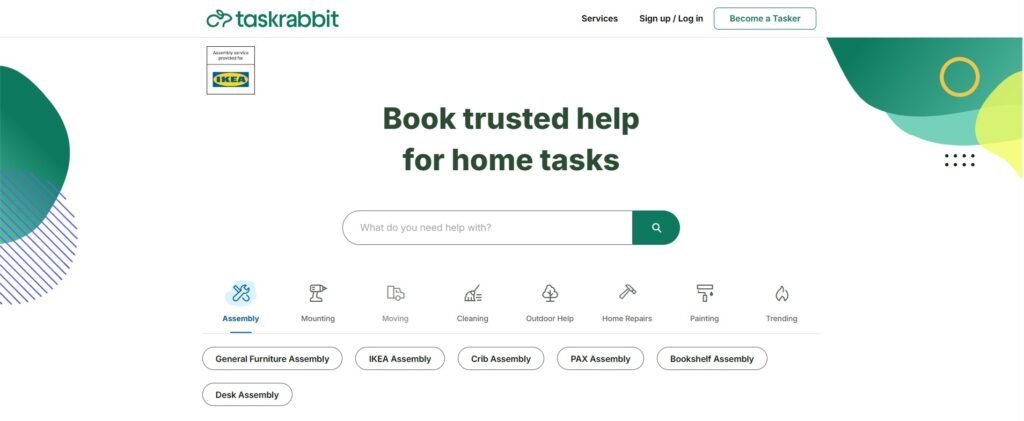
Visit the TaskRabbit website to make money by doing small tasks like grocery shopping or assembling furniture. TaskRabbit connects people with freelancers for simple, everyday jobs.
Unlike other freelancing sites with professional roles, TaskRabbit focuses on easy tasks such as cleaning, light installation, and delivery. To get started, create an account, choose your location and job type, and set your hourly rate.
After applying, TaskRabbit will review your application and run a background check. Once approved, you’ll need to pay a $25 registration fee. Then, you can begin by finding jobs and managing tasks via the mobile app.
When you finish a job, send an invoice for the hours worked. Clients will directly transfer the payment to your bank account. TaskRabbit only charges fees to the client, so you keep the full amount you earn.
17. Flexiple
- Freelancing types: web development, mobile app development, UI/UX design
- Pros: work with well-known companies, helpful community, dedicated managers
- Cons: tough screening process, fewer projects compared to other platforms
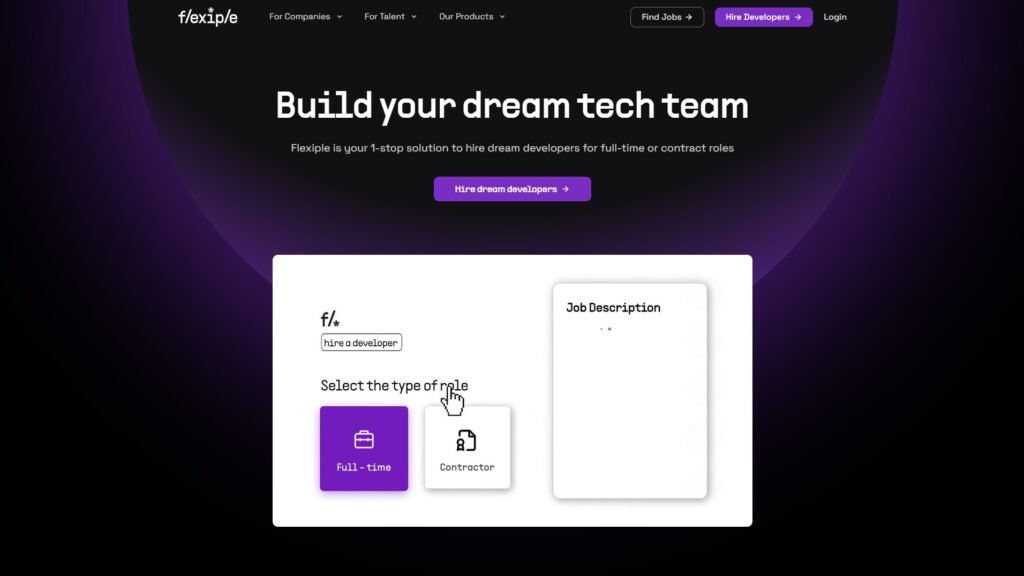
Flexiple is a freelance platform that allows professionals to choose projects based on their skills with startups and large companies. When a company needs help, Flexiple reviews its needs and selects up to three pre-screened freelancers who are a good match. Clients get a one-week trial period to see if the freelancer is a good fit for the job.
Unlike many other platforms, Flexiple does not charge freelancers any fees. Instead, they make money by taking a percentage from the hiring companies for each project, so freelancers can keep more of their earnings.
Another benefit of Flexiple is that it handles invoices, contracts, and legalities, allowing you to focus on your work.
18. DesignCrowd
- Freelancing Types: logo design, brand design, web design, graphic design
- Pros: access to clients worldwide, freedom to submit designs, payment for some submissions
- Cons: service fees, lots of competition, time spent without guaranteed earnings
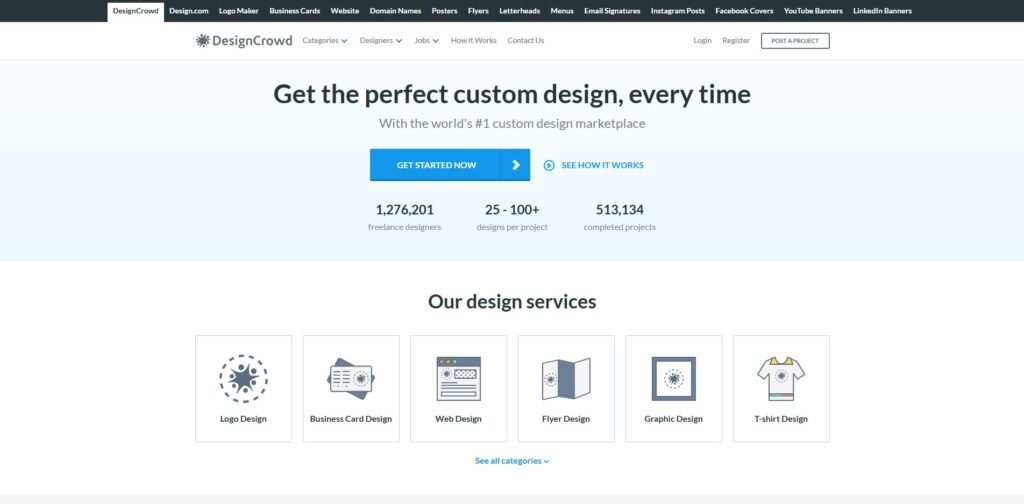
DesignCrowd is a platform that connects freelance designers with clients globally, offering opportunities for various design projects, like logos and websites.
DesignCrowd lets designers earn in several ways. The main method is through design contests where clients post projects and choose winners, with a minimum prize of $100.
Designers can also get paid for participating, even if they don’t win the contest. They may receive paid invitations for specific projects and even tips from happy clients.
The platform takes a 15% fee from all payments designers receive. Designers can get paid via Payoneer or PayPal. While signing up is free, success on the platform depends on actively taking part in contests because of the high competition.
19. SolidGigs
- Freelancing types: content writing, web development, marketing, design
- Pros: saves time, direct client connections, no commission fees
- Cons: monthly subscription fee, limited control over job choices, relies on email alerts.
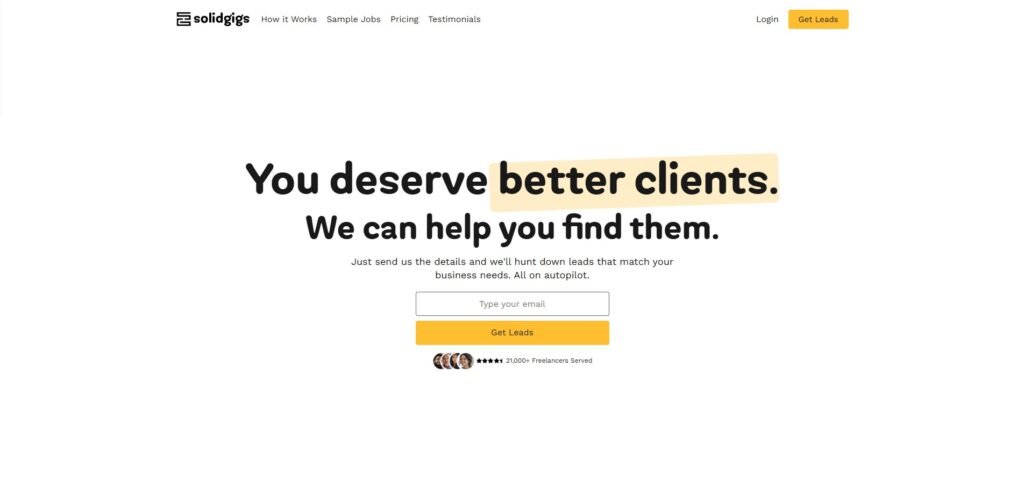
SolidGigs is different from other freelance platforms. Instead of being a marketplace, it detects and sends job prospects directly to your inbox based on your preferences.
They use both AI and human job hunters to search multiple job sites and find work that suits your skills and needs. Unlike other platforms that take a certain percentage of your total earnings, SolidGigs charges a flat monthly fee of $21. It will also keep all the money you earn from clients.
You can set up alerts for particular jobs, locations, and budgets. This service helps you save time by doing the job search for you.
Since you work with clients, you can negotiate your terms and build better connections. SolidGigs also has an active community where freelancers can share tips and experiences.
20. We Work Remotely
- Freelancing type: design, customer support, software development
- Pros: wide variety of work, easy access to global jobs, direct applications to companies
- Cons: high competition, tough interviews, and some jobs may not be fully freelance
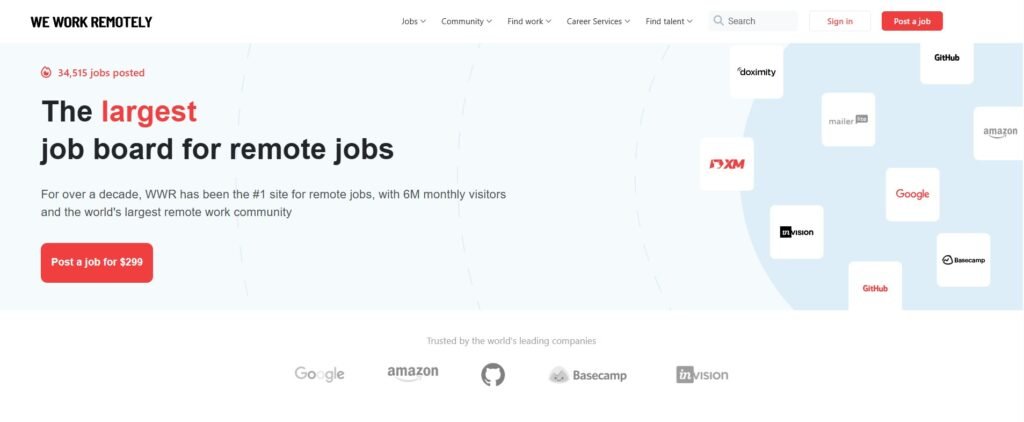
We Work Remotely is a job site for remote roles in areas like programming, design, marketing, and customer support. The site has both full-time jobs and freelance work. Some positions may require you to work in specific time zones or locations.
You do not need to create a profile to use the site. Simply search for jobs you’re interested in and apply directly through the company’s website or by email. Since the site is popular, there’s a lot of competition, so it’s important to make your application stand out.
21. Codeable
- Freelance Jobs: WordPress customization, plugin development, API integration
- Pros: quick project matching, clear pricing, safe payment system
- Cons: only WordPress-related tasks, strict freelancer vetting, and new freelancers can only manage three projects at once
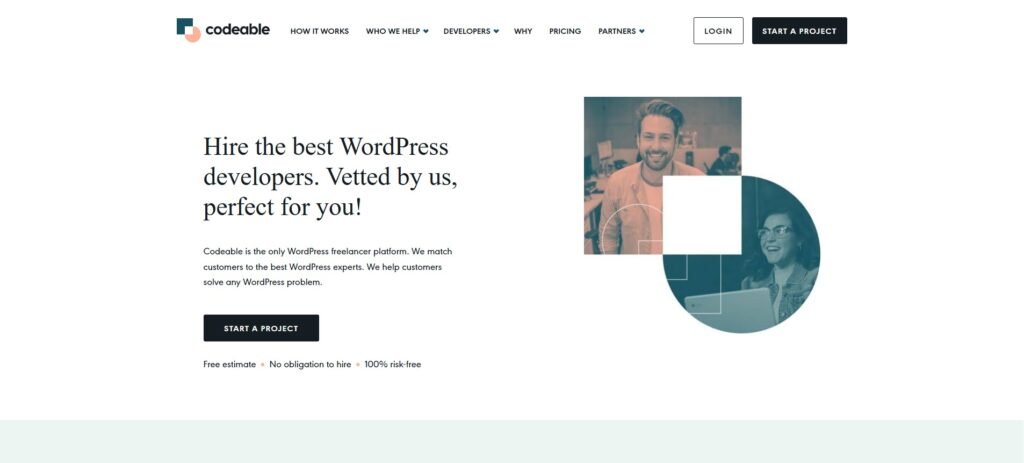
Codeable is an online source that connects businesses with skilled WordPress developers. They carefully screen freelancers using coding tests, interviews, and trial tasks.
When a client needs a project done, Codeable’s system matches them with up to five developers who share their price estimates. Codeable gives the client an average price, and developers are selected based on their skills, not by competing bids.
The platform takes a 10% fee from freelancers’ earnings and holds the payment until the job is done to protect both the client and the freelancer.
22. Gigster
- Freelance Jobs: Software development, web development, app development
- Pros: High-quality project opportunities, work with independent teams, freedom, and chances for leadership roles
- Cons: Strict selection process, focus on bigger projects, limited to tech jobs
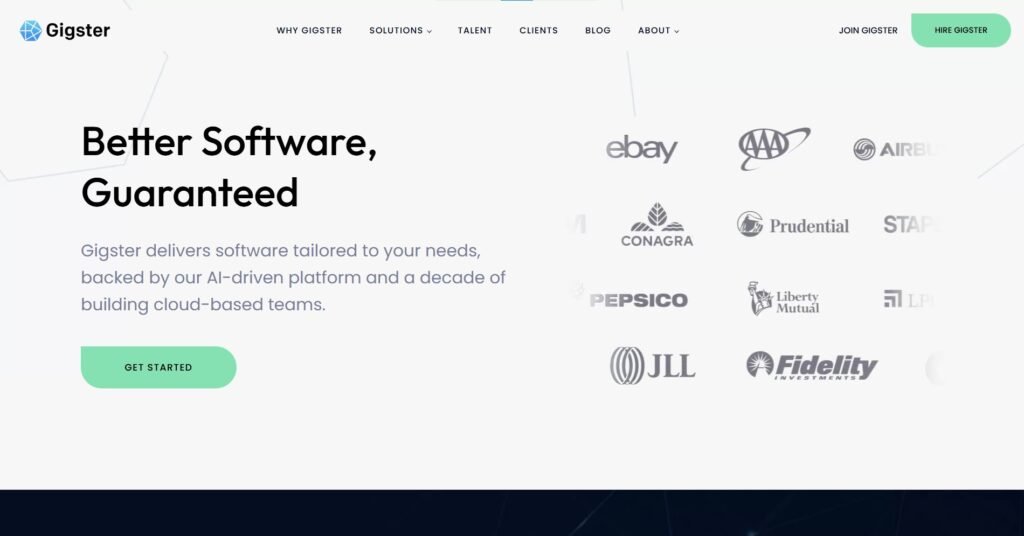
Gigster is not like regular freelance platforms. Instead of matching individual freelancers to clients, it builds teams of developers for each project.
They carefully assess freelancers through coding tests, portfolio checks, and teamwork skills. Only those who pass their tough standards are selected.
Each project has a manager who handles client communication, so developers can focus on their coding work.
Payments are made every two weeks via Payoneer, and Gigster doesn’t take any percentage from your earnings.
23. Arc
- Freelancing types: web development, UI/UX design, data engineering
- Pros: matched with reliable clients, flexible work hours, and set your own pay
- Cons: long screening process, very competitive, limited variety of projects
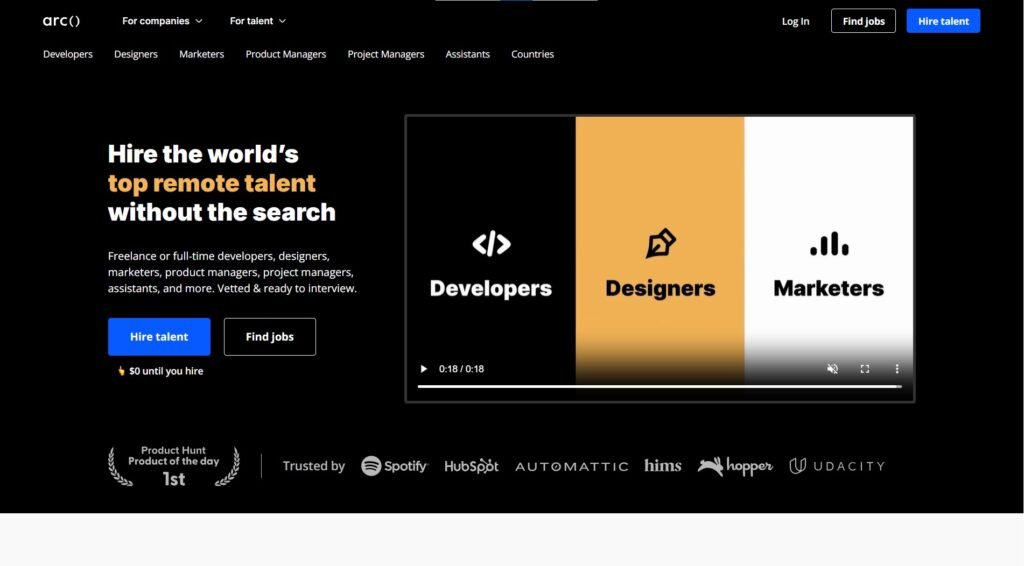
Arc is a platform where expert software developers can connect with companies. It’s selective, only letting in the top 1% of developers after thorough testing.
The platform is simple to use. Developers can set up profiles and be matched with jobs that fit their skills. You can set your own rates and change them depending on the complexity of each job.
Arc takes a cut of each developer’s earnings but doesn’t share the exact amount. Even so, it’s a great platform for skilled developers looking for high-quality projects and long-term work with good clients.
24. Wellfound
- Freelancing types: software development, UI/UX design, copywriting, digital marketing
- Pros: direct connection to startups, clear salary info, exclusive job offers
- Cons: limited to tech startups, competitive field, fewer short-term projects
Wellfound (formerly AngelList Talent) helps freelancers connect directly with startups, letting you work with decision-makers. Instead of cover letters, freelancers build detailed profiles to apply for numerous jobs with just one click. The platform shares job details upfront, including salary and equity options.
Their “Featured” service boosts your profile for 8 weeks, allowing top companies to reach out to you with job offers. Additionally, their salary calculator helps you understand your worth based on your skills and experience to prepare for salary talks with clients.
25. Gun.io
- Freelancing Type: data engineering, software architecture, software development
- Pros: Access to top-quality projects, a helpful community, and the ability to set your own rates.
- Cons: A strict approval process, mainly for experienced professionals, is focused only on technical and engineering roles.
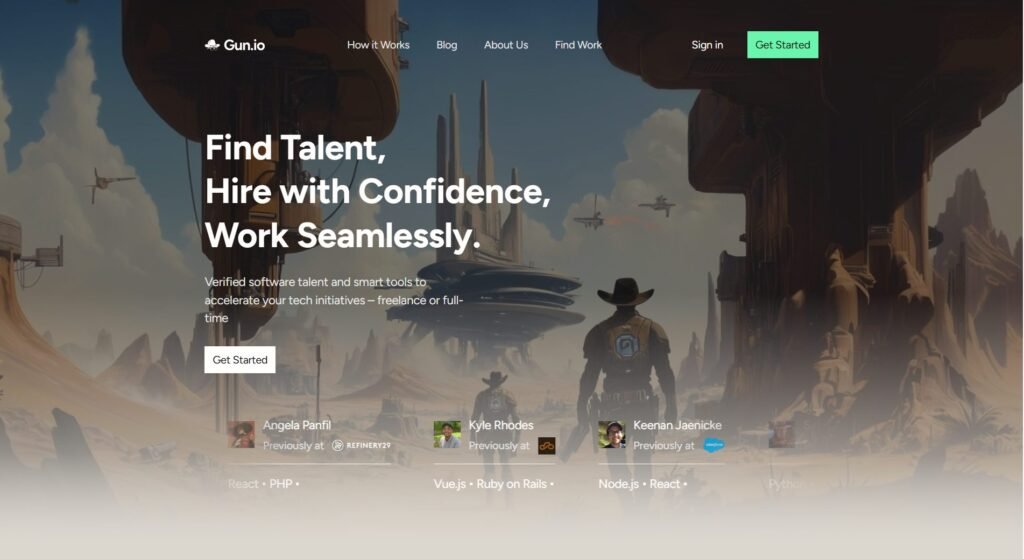
Gun.io is a platform that connects freelance software developers with companies. It has a thorough approval process, including tests, background checks, and technical interviews.
Once approved, developers can be matched with projects that fit their skills, and they get to decide their rates.
One of the best parts about Gun.io is that developers keep 100% of what they charge, without any platform fees.
The platform offers numerous benefits, such as access to high-quality projects, long-term opportunities, and continuous support. Each project gets an account manager to handle communication, so developers can focus on their work without dealing with admin tasks.
Conclusion
Finding freelance work to make money doesn’t have to be difficult. Most sites just need you to sign up and create a profile.
But, before signing up, take a moment to check how each website works, especially the payment system, withdrawal options, and any fees they charge.
If you’re looking for jobs in fields like development, marketing, or tech, here are some of the best freelance websites:
- Upwork
- Toptal
- Jooble
If you’re more interested in creative work, like writing or design, these sites are a good fit:
- Fiverr
- Flexjobs
- Dribbble
No matter what skill you have, creating a portfolio website to show off your work can help you stand out from the competition.
FAQs
1. Which Freelance Platform Is Best for Beginners with No Experience?
For beginners, Fiverr and Freelancer.com are good places to start. Fiverr lets you create service listings (called gigs) without needing to pitch clients, making it easier to get started. Freelancer.com allows you to bid on small projects, which can allow you to build a portfolio and earn early reviews.
2. Can I Join Multiple Freelance Platforms at the Same Time?
Yes, you can create profiles on more than one freelance platform. In fact, many freelancers do this to increase their chances of landing jobs. Just make sure to manage your time well and avoid taking on more work than you can handle.
3. How Can I Avoid Scams on Freelance Platforms?
Stick to platforms with secure payment systems (like Upwork, Toptal, and Flexjobs), and avoid deals made outside the platform. Alarming signs include clients who ask for free samples, vague job details, or payments via suspicious methods. Always research the client’s history and reviews before accepting a project.
4. Do I Need to Pay Taxes as a Freelancer?
Yes, freelancers are generally responsible for their own taxes. Depending on your country, you may need to file quarterly taxes, report earnings from multiple clients, and keep receipts for expenses. It’s a good idea to consult a tax advisor or use freelancer-friendly accounting tools.
5. What Skills Are in Demand on Freelance Platforms in 2025?
In 2025, software development, digital marketing, content writing, UI/UX design, and data analysis remain the most sought-after skills. Platforms like Toptal and Arc are ideal for developers, while Fiverr and Upwork have strong demand for writers, designers, and marketers.

Michael Adams is a professional finance writer with a focus on tax education, budgeting, and personal finance. His goal is to make income tax topics clear and practical for individuals and entrepreneurs.